Countdown to the ceremony
Show years, months, weeks, days, hours, minutes, seconds, or the exact mix that makes the date feel real.
Wedding countdown
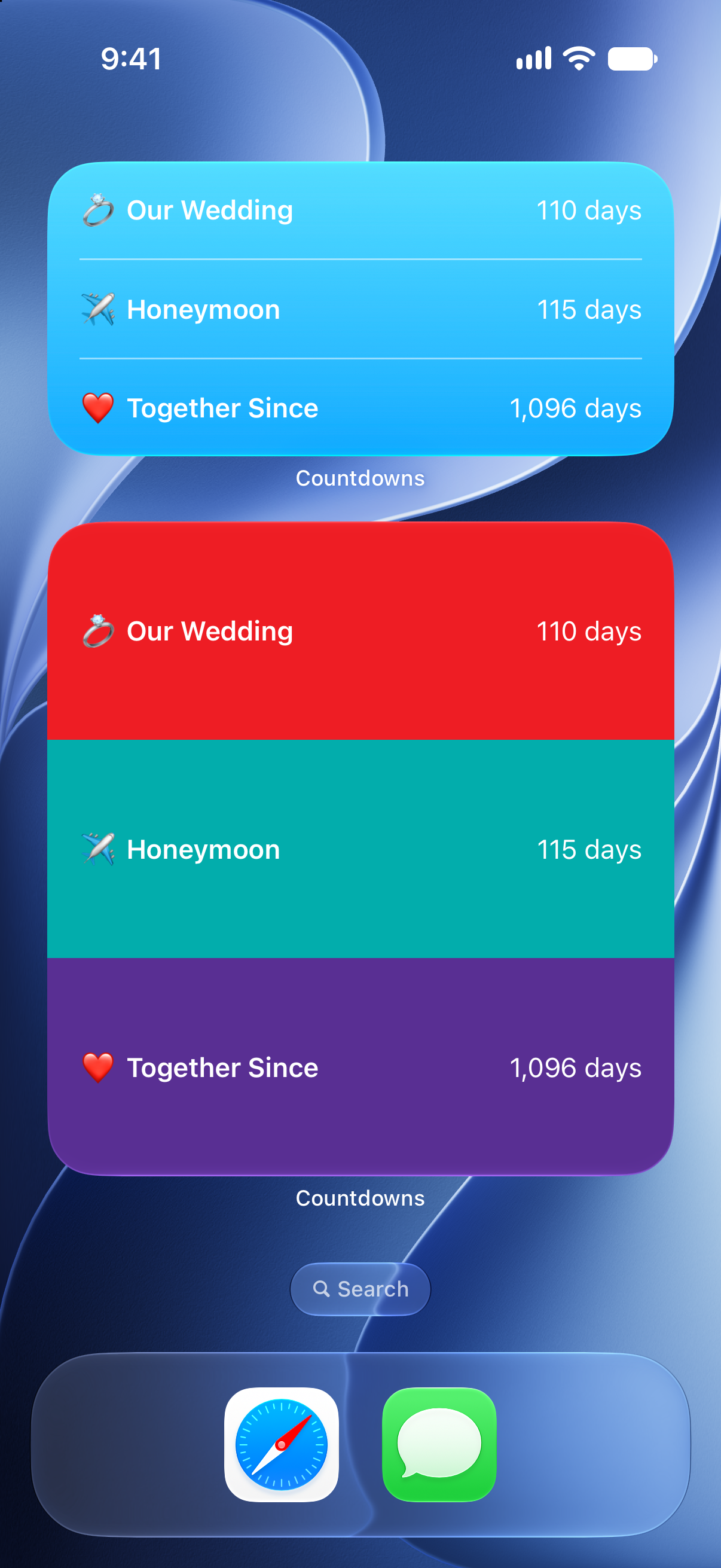
Keep the wedding date close with a countdown that can live on your Home Screen, Lock Screen, Apple Watch, iPad, and Mac.

Why it helps
Show years, months, weeks, days, hours, minutes, seconds, or the exact mix that makes the date feel real.
Create separate countdowns for dress fittings, showers, travel days, rehearsal dinners, and the honeymoon.
Choose colors, icons, lists, and notifications that match the wedding instead of using a generic timer.
A wedding countdown is more than a number of days. It is a reminder of how much is left to plan, what is coming next, and how close the celebration is getting. Countdowns gives you one place to keep the main date visible while also tracking the smaller dates that lead up to it.
Use a dedicated list for wedding planning, choose a color that fits the event, and add the countdown to the screens you check most. When the date gets close, you can adjust units so the countdown becomes more precise without rebuilding it.
Countdowns works well whether you are planning the event, traveling to it, or simply waiting for the day to arrive. Add a widget for the ceremony date, create reminders for travel and packing, and keep past countdowns in the archive after the event has passed.
How to use it
Start with the date, then make the timer useful everywhere you check your day.
FAQ
Yes. You can create separate countdowns for the ceremony, honeymoon, travel dates, and planning deadlines.
Countdowns supports iCloud sync so your timers can stay available across Apple devices.
Yes. You can customize units, colors, icons, lists, and notifications for different wedding moments.
Start counting
Download Countdowns and keep the big day visible from planning mode to the final hours.