Flexible event types
Track one-time events, custom recurring schedules, deadlines, milestones, and dates you want to count up from.
Event countdown
Create flexible countdowns for deadlines, launches, parties, games, trips, school dates, and personal milestones.

Why it helps
Track one-time events, custom recurring schedules, deadlines, milestones, and dates you want to count up from.
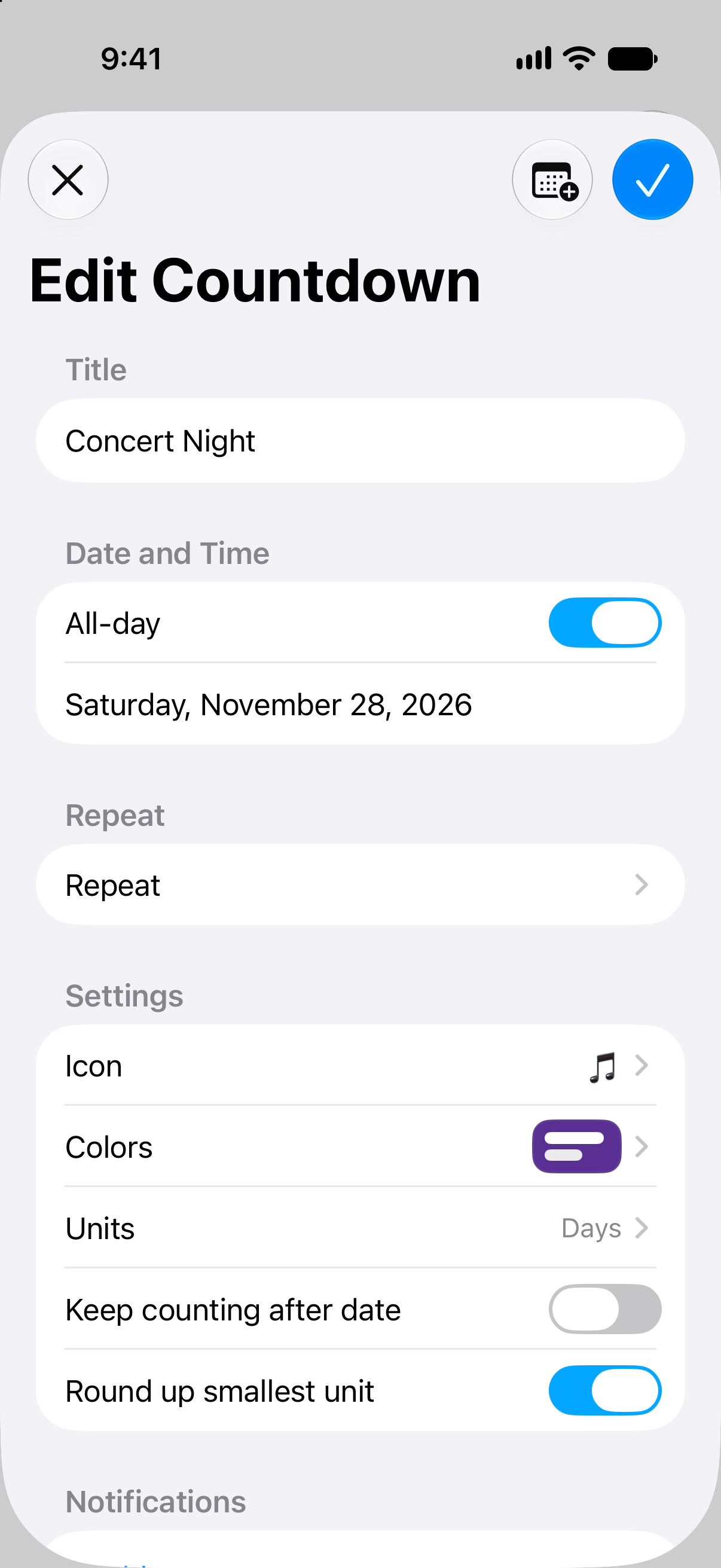
Choose years, months, weeks, days, hours, minutes, seconds, or the mix that best fits the event.
Use widgets and notifications so important dates do not disappear into a calendar.
Calendars are good at storing dates, but they are not always good at making a date feel close. Countdowns turns an event into a visible timer that can sit on your Home Screen, Lock Screen, Apple Watch, iPad, or Mac.
That makes it useful for serious deadlines and fun events alike. One app can handle a work launch, a trip, a birthday, a race, a graduation, or a personal goal.
Different events need different displays. A vacation might need weeks and days. A game might need hours. A launch might need exact minutes. Countdowns lets each timer use the units and style that make sense.
How to use it
Start with the date, then make the timer useful everywhere you check your day.
FAQ
Countdowns can track celebrations, deadlines, travel, launches, games, appointments, and personal milestones.
Yes. Countdowns can count down to a date or count up from a date.
Yes. Lists help separate work, family, travel, holidays, and personal countdowns.
Start counting
Download Countdowns and make important dates easier to see, organize, and remember.